IP/OTT Monitoring

IP/OTT monitoring and multiviewer

Real-time monitoring, alarm notification, and built-in multiviewer for UDP, RTP, HLS, RTMP, RTSP, SRT, NDI and more. Self-service — deploy today, no sales call needed.

Why you need IP/OTT monitoring

Instant failure detection

Video loss, audio loss, and bitrate drops caught the moment they happen — not when viewers call.

Multiviewer built in

All your streams in one view. Colour-coded health indicators show at a glance what’s healthy and what needs attention.

Up and running today

No procurement, no onboarding call. Sign up, add your streams, and monitoring is live within minutes.

Built-in multiviewer

All your streams at a glance

The multiviewer shows every feed in a configurable grid. Each tile reflects live stream health — green for healthy, red for alarm. Click any tile for a deeper look at that stream.

Switch between preset layouts instantly. Ideal for sports productions monitoring multiple camera angles, live events, or NOC teams watching dozens of feeds simultaneously.
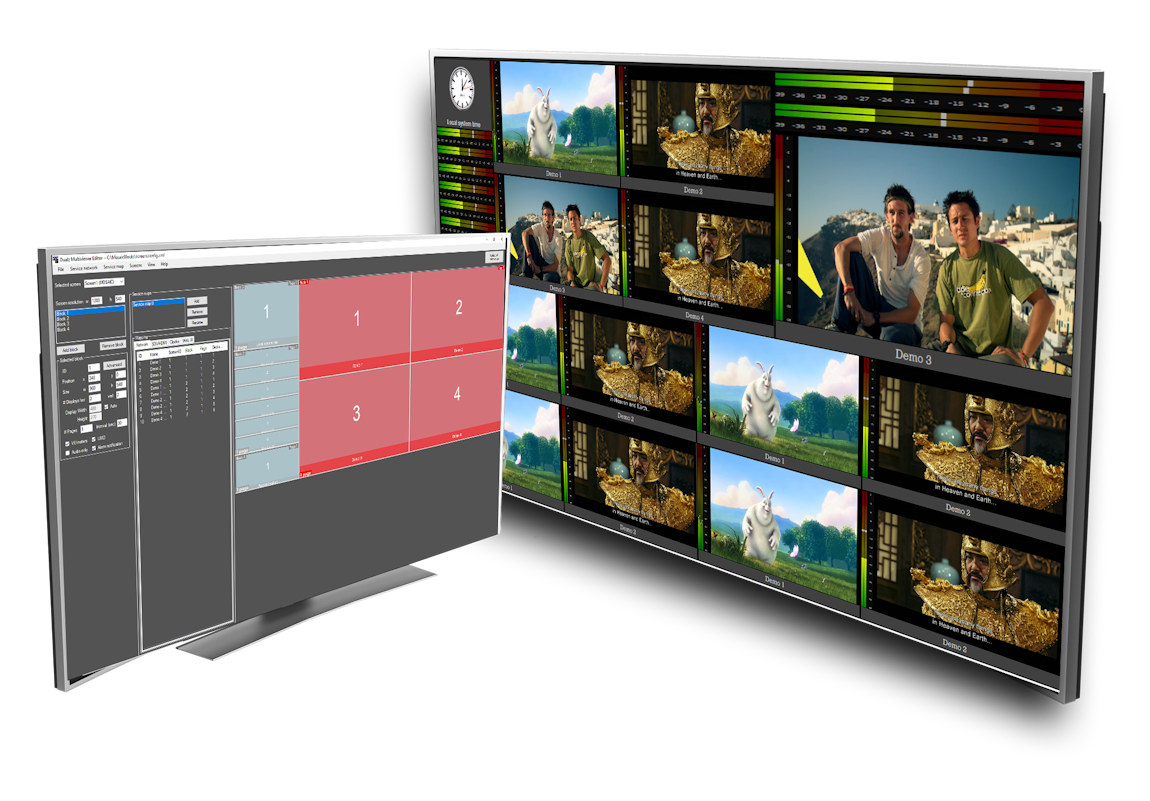
  • Configurable grid layouts — from 4 to 64+ tiles
  • Per-tile alarm indication: video loss, audio loss
  • Full-screen on double-click
  • Round robin mode for large channel counts
  • Penalty box for alarmed streams
  • GPU-accelerated decoding for smooth playback
See plans & pricing
Multiviewer dashboard showing multiple IP streams in a grid layout with colour-coded health status per tile
Layout switcher

Switch multiviewer layouts with a single button press

Connect an Elgato Stream Deck and map each button to a saved multiviewer layout. One press switches the entire view — instantly. No mouse, no menus, no delay.

Ideal for live productions where the operator needs to move fast: cut from a 4-up sports view to a single-camera close-up without touching a keyboard.
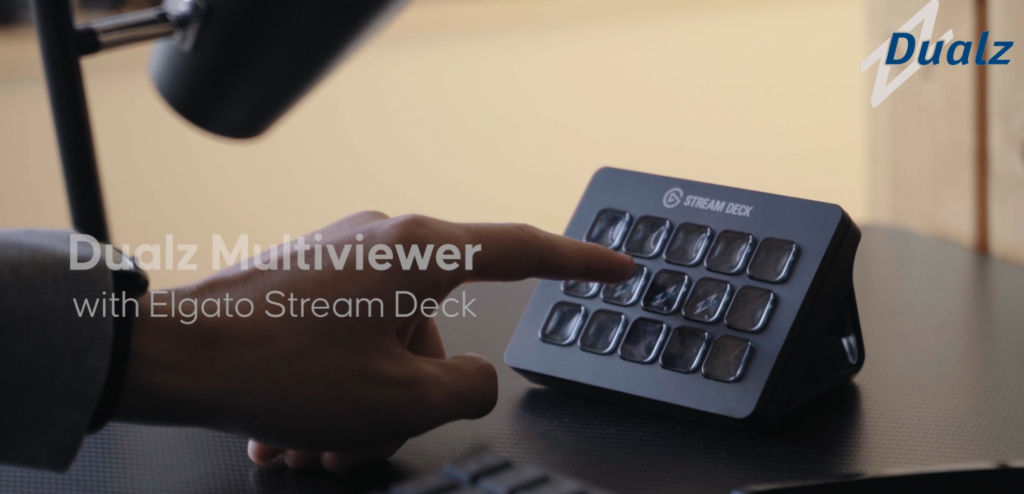
  • Works with Elgato Stream Deck (all models)
  • Map any saved layout to any Stream Deck button
  • Instant layout switch during live production
  • Combine with preset configurations for full scene control
Elgato Stream Deck device next to a multiviewer display, with each button mapped to a different layout preset
Watch on mobile

Your audience watches on any device — their way

Viewers can open the multiviewer stream directly in a mobile browser. No app required. The stream adapts to screen size and works on iOS and Android.

Each viewer chooses how they want to watch: the full multiviewer with all camera angles at once, or a single camera in full screen. They switch between cameras at any time during the event.
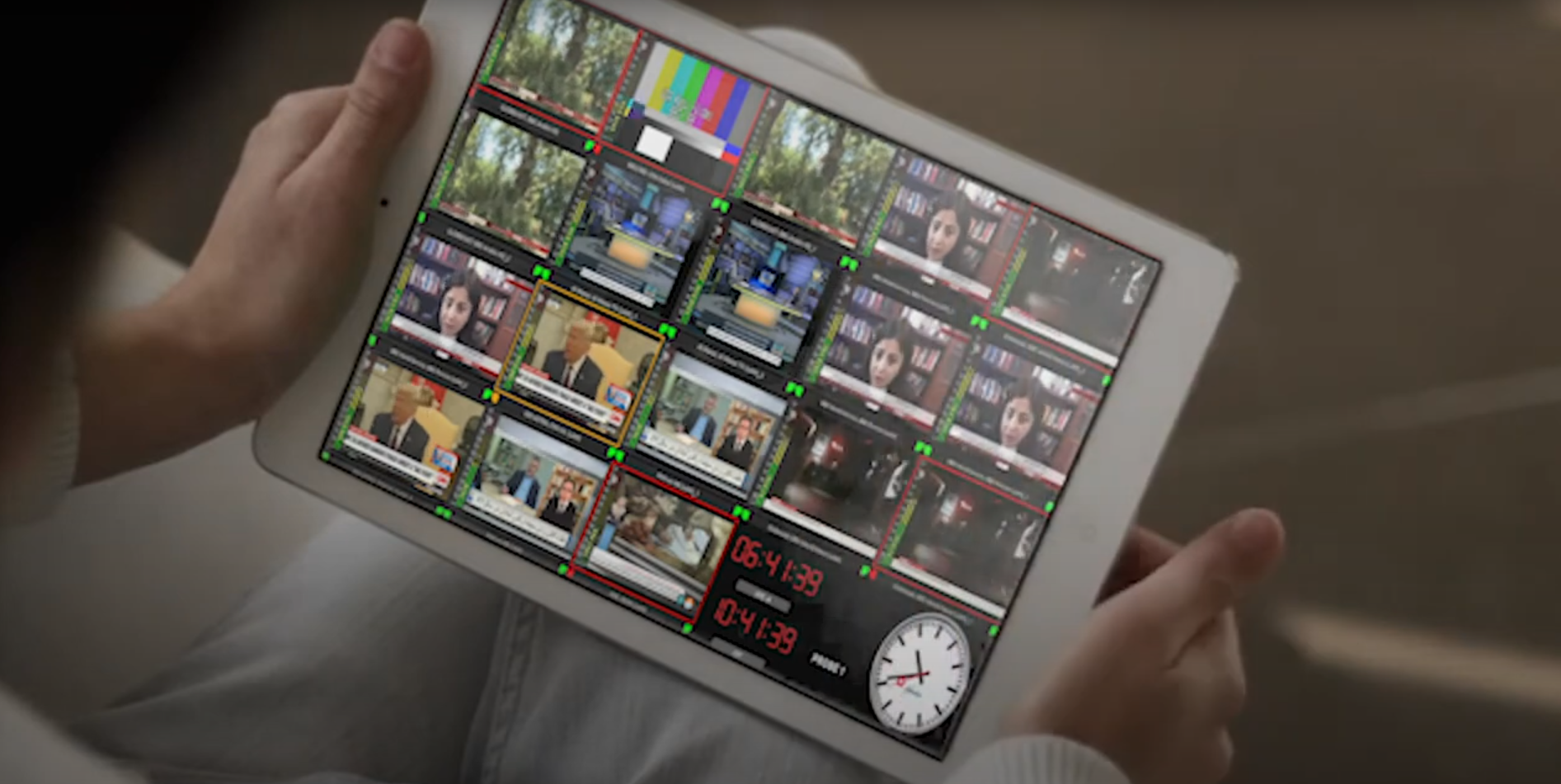
  • Full multiviewer grid view on mobile
  • Tap any tile to go full screen on that camera
  • Switch between cameras without interruption
  • Smooth camera switches within millisec.
  • Ideal for sports events with multiple camera angles
Tablet showing the multiviewer stream with multiple camera angles, and a full-screen single camera view
Alarm notification

Alerts before your viewers start complaining

The moment a stream fails or loses audio, an alarm fires. The web status dashboard updates in real time and email notifications go straight to your team.

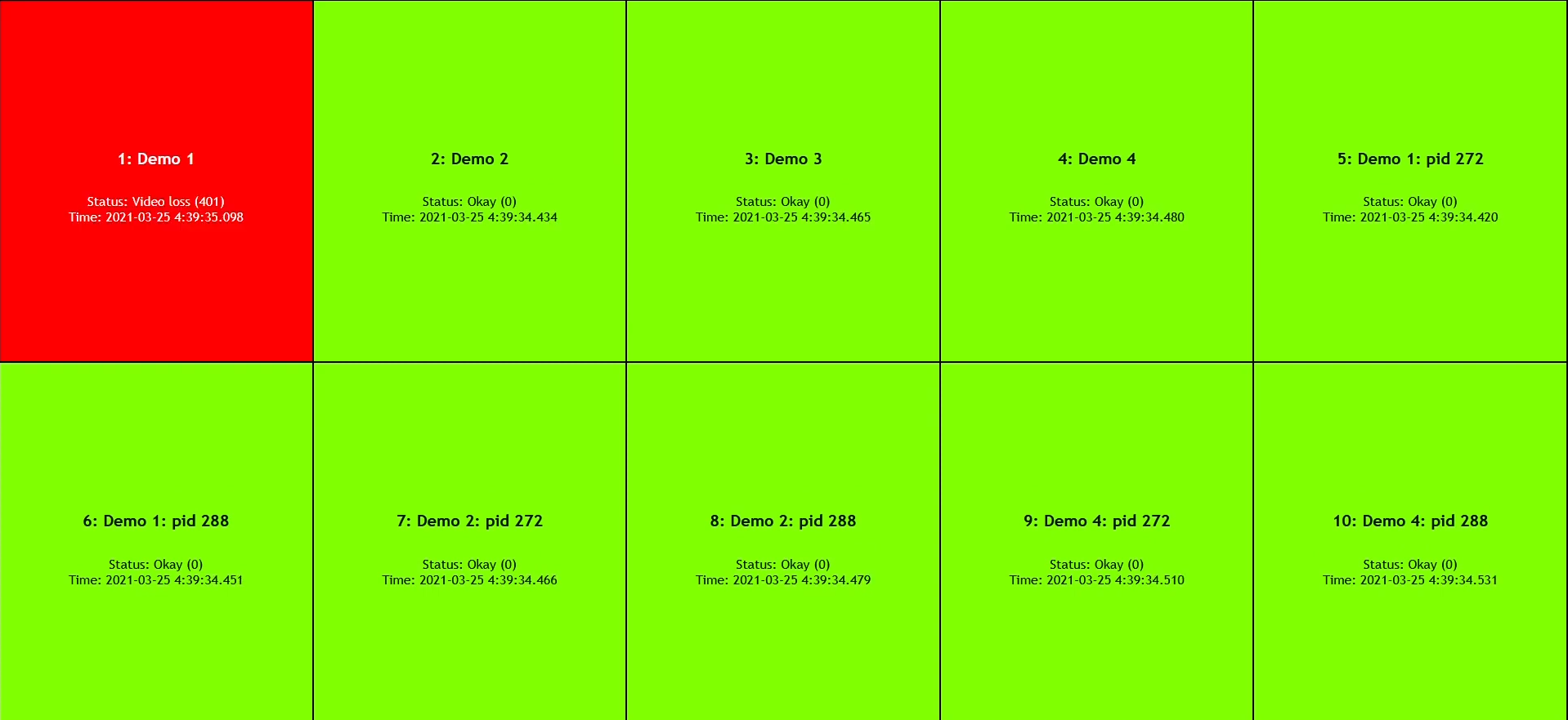
Every tile in the status view reflects the current state: green for healthy, red for alarm. Click any tile for a full breakdown — what failed, and when.
  • Web-based alarm dashboard, accessible remotely
  • Email notification on alarm trigger
  • Video loss and audio loss detection
  • Per-stream alarm history
Web alarm dashboard showing stream status tiles — green for healthy, red for alarm — with per-stream detail on click
Protocol coverage

Every IP and OTT protocol covered

One platform monitors them all. No additional modules, no per-protocol add-ons.

UDP
RTP
SRT
NDI
HLS
RTSP
RTMP
DASH
HTTP
MPEG-2
H.264
H.265 / HEVC
Who uses it

Built for operations that cannot afford blind spots

From live sports to 24/7 OTT operations — wherever stream quality matters, monitoring runs continuously.

Live sports & events

Monitor every camera feed in a single multiviewer. When an angle drops, your team knows before it cuts to air. Supports simultaneous multi-camera coverage for sports broadcasts and event streaming.

OTT streaming platforms

Keep every channel and stream origin under continuous watch. Catch buffering and audio loss issues before subscribers report them or churn.

NOC & engineering teams

One dashboard, all streams. The status view gives NOC operators an instant health overview. Engineers get stream-level detail when they need to dig deeper.

How to run it

Three ways to deploy

Same monitoring capabilities — choose the infrastructure model that fits your operation.

Self-hosted
Your infrastructure

Install on your own servers or cloud VPS. You control the infrastructure. Per-stream subscription — we handle software updates and support.

View pricing
AWS Marketplace
Your AWS account

Deploy directly into your AWS environment. Procurement through AWS — no separate contracts or POs needed.

View on AWS Marketplace
Dualz Cloud
We host it

Zero infrastructure on your side. Spin up streams in minutes and pay per hour. Ideal for events, trials, or teams without server capacity.

Try Dualz Cloud
Pricing

Simple, transparent pricing

Self-service subscription — start today, cancel any time. Save 20% with annual billing.

IP/OTT Monitoring — bundles Self-service
Starter
8 streams
€69  / month
Advanced
40 streams
€249  / month
Scale
80 streams
€429  / month
Custom
80+ streams
Let’s talk
tailored to your scale Contact us
Other ways to run IP/OTT Monitoring:

Ready to monitor your IP streams?

Self-service — start today. Or contact us and we’ll walk you through it.

Contact us

Start IP/OTT Monitoring

Select your bundle and billing period. You’ll pay on the next screen — powered by Stripe.

Select bundle

Contact us

Give us a bit more information about what you’d like to discuss — we’ll come back to schedule a call.

Stream type
Deployment

Find your monitoring solution