Software
Run MOSAIC on your own Windows system with GPU acceleration, round robin, penalty box, and alarm notification.
MOSAIC is the IP/OTT tier of the Dualz Monitoring Platform. Monitor and view HLS, SRT, RTSP, RTMP, NDI, UDP and DASH streams with real-time audio and video-loss detection.
Free consult plus 1 week free. No credit card required.
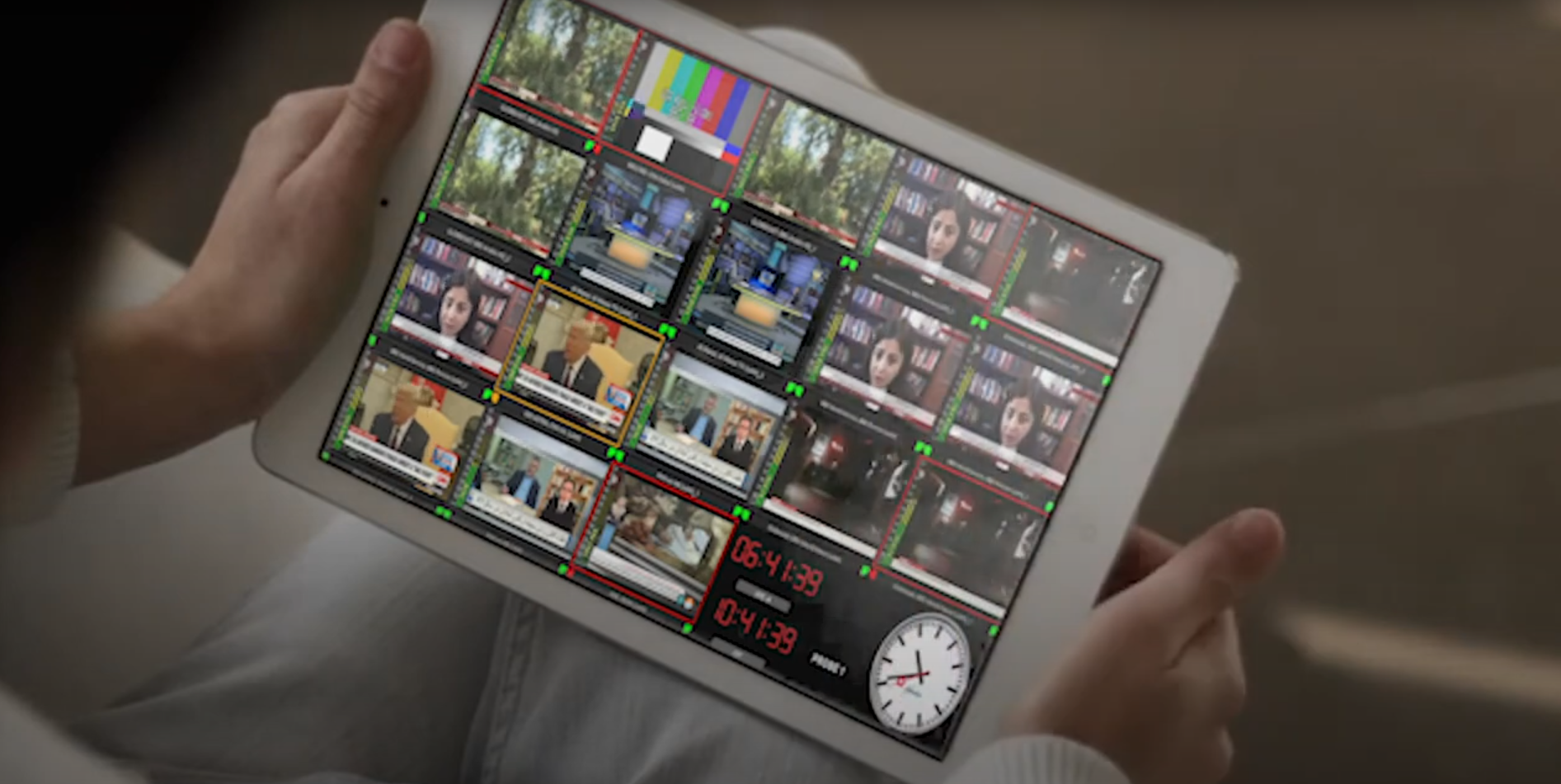
The multiviewer shows every feed in a configurable grid with live health on each tile.
It is built for live operations that need fast visual confirmation across many endpoints.
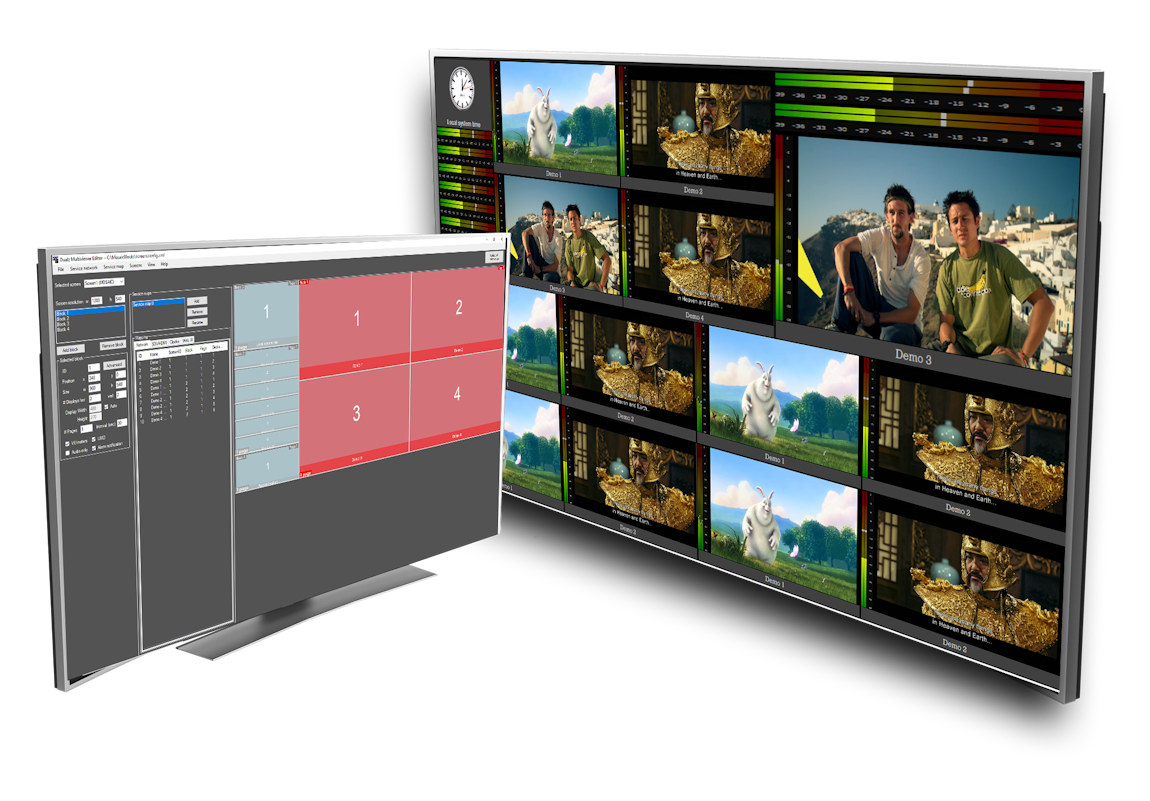
The MOSAIC+editor image below shows the live multiviewer grid and status view.
The old MOSAIC page split the product into three practical deployment options. We keep that structure here and move pricing to the pricing page.
Run MOSAIC on your own Windows system with GPU acceleration, round robin, penalty box, and alarm notification.
Choose the hosted multiviewer when you want a managed setup with remote status monitoring.
Deploy into your own AWS account when you need cloud control and the same monitoring workflow.
Connect the feed, watch the grid, and respond before viewers notice.
Add HLS, SRT, RTSP, RTMP, NDI, UDP, or DASH sources and keep them visible in one operational view.
Each tile reflects the current state, so your team can see at a glance what is healthy and what needs attention.
Audio and video-loss detection plus alarm history helps operators handle issues before they become support calls.
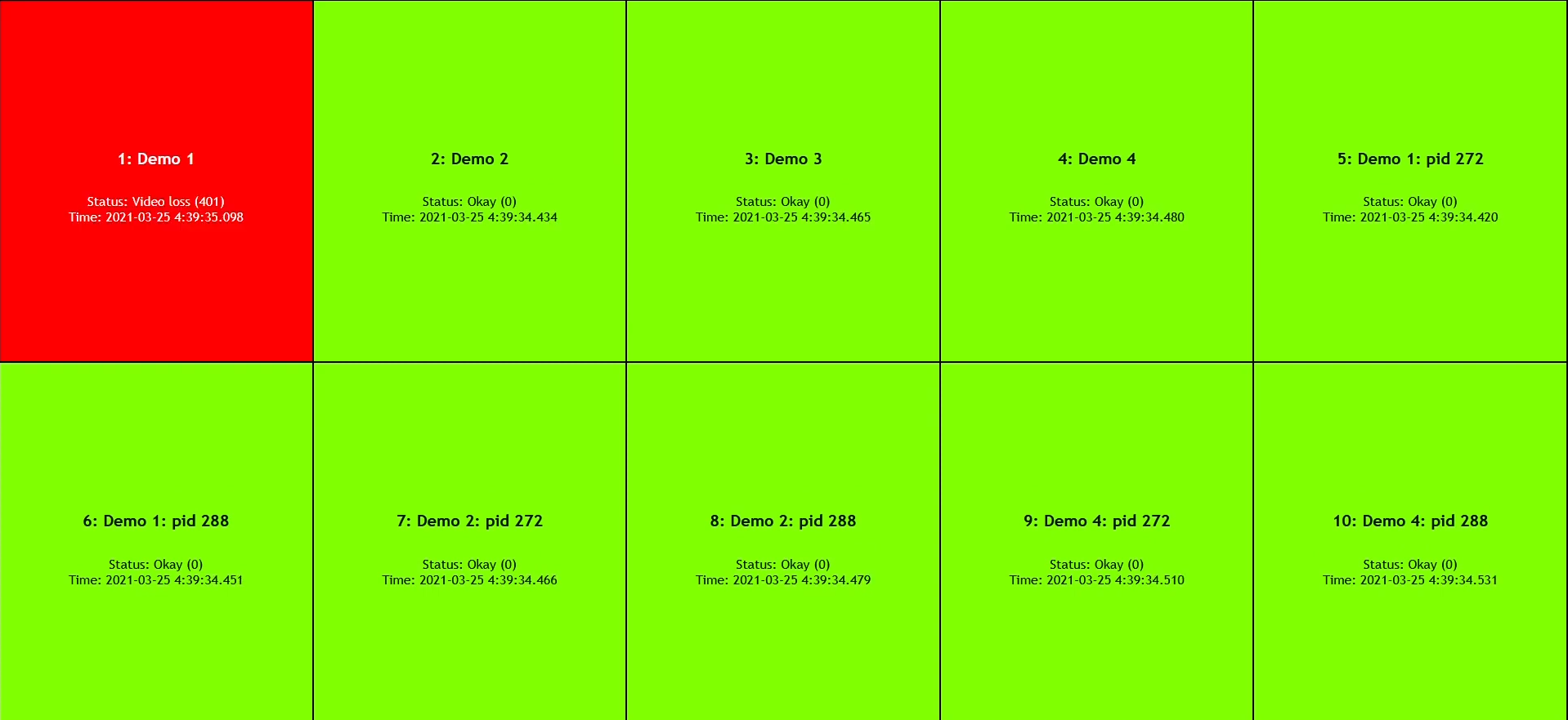
The web dashboard gives you a clear operational status for all tiles. When a feed loses audio or video, the tile changes state and your team can drill in immediately.
This keeps the same visual overview that made MOSAIC useful on the old site.
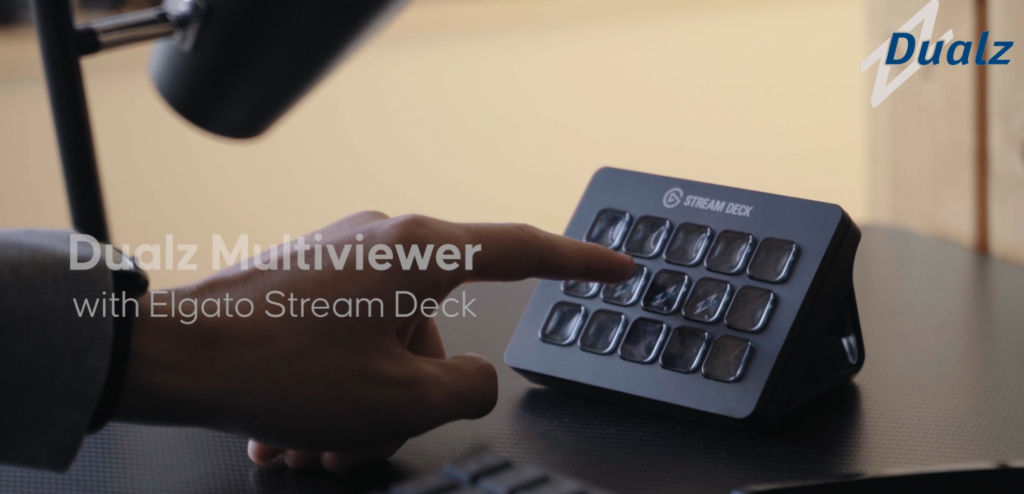
The old MOSAIC page highlighted Stream Deck control because operators need to move fast between layouts and views.
One press switches the entire multiviewer layout without menu navigation.
A compact summary of the core MOSAIC features, without the old price tables.
UDP, RTP, RTMP, RTSP, NDI, SRT, HLS, DASH, HTTP, HDMI/SDI, and USB webcam inputs.
Round robin modes, penalty box, presets, double-click full screen, low latency, and multichannel audio.
Status webpage, alarm notification, VU meters, remote or local editor, and GPU decoding.
The old MOSAIC page had several deployment paths. We keep them here and point pricing to the main pricing page.
Run the IP/OTT tier on Windows hardware you already control.
Use a managed cloud approach when you want the multiviewer without hosting it yourself.
Keep deployment in your own AWS environment when procurement or governance requires it.
The old page recommended a GPU for good reason. The multiviewer performs best with proper decoding capacity, especially for larger tile counts.
If you want, I can add a short technical note with minimum hardware guidance and reference configurations.
One tier covers the stream stack used by modern broadcast and OTT operations.
Use the pricing page for current bundles, annual discounts, and the full comparison across IP/OTT, DVB, and Hybrid.
Go to pricingTell us more about your use case, and we will recommend the best setup. IP/OTT can start immediately; DVB and Hybrid begin with a consult-first review.
Share your stream types and scale, and we will point you to the right bundle.
Run the IP/OTT tier on your setup for one week so you can see the multiviewer and alarms in action.
Continue on a paid plan once the trial proves the fit, or talk to us about a larger rollout.
No credit card required. No obligation to continue. We usually reply right away. Otherwise within 1 business day.
Tell us what you want to monitor, and we will get back to you with the quickest next step.