Add HLS, SRT, RTSP, RTMP, NDI, UDP, or DASH sources and keep them visible in one operational view.
IP/OTT Monitoring
IP/OTT multiviewer and stream monitoring
Monitor HLS, SRT, RTSP, RTMP, NDI, UDP and DASH streams in one operational view, with real-time audio and video-loss detection.
Built-in multiviewer
All your streams at a glance
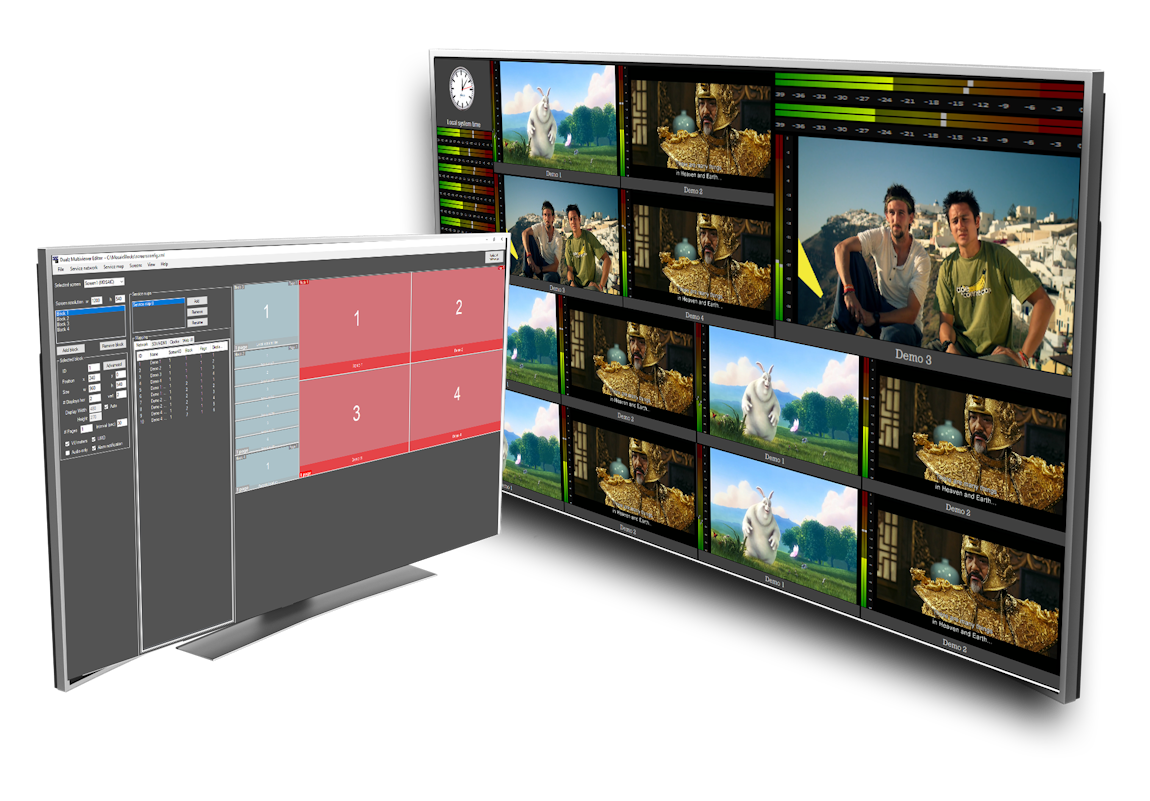
The multiviewer shows every feed in a configurable grid with live health on each tile.
It is built for live operations that need fast visual confirmation across many endpoints.
- Configurable grid layouts for different stream counts
- Per-tile alarm indication for audio loss and video loss
- Round-robin mode and penalty-box style focus for busy ops
- Drill down into any tile when it changes state
The image shows the live multiviewer grid and status view.
How it works
1. Connect the stream
2. Watch live health
3. Act before viewers do
Three steps from stream to alert
Connect the feed, watch the grid, and respond before viewers notice.
Each tile reflects the current state, so your team can see at a glance what is healthy and what needs attention.
Audio and video-loss detection plus alarm history helps operators handle issues before they become support calls.
Alarm status view
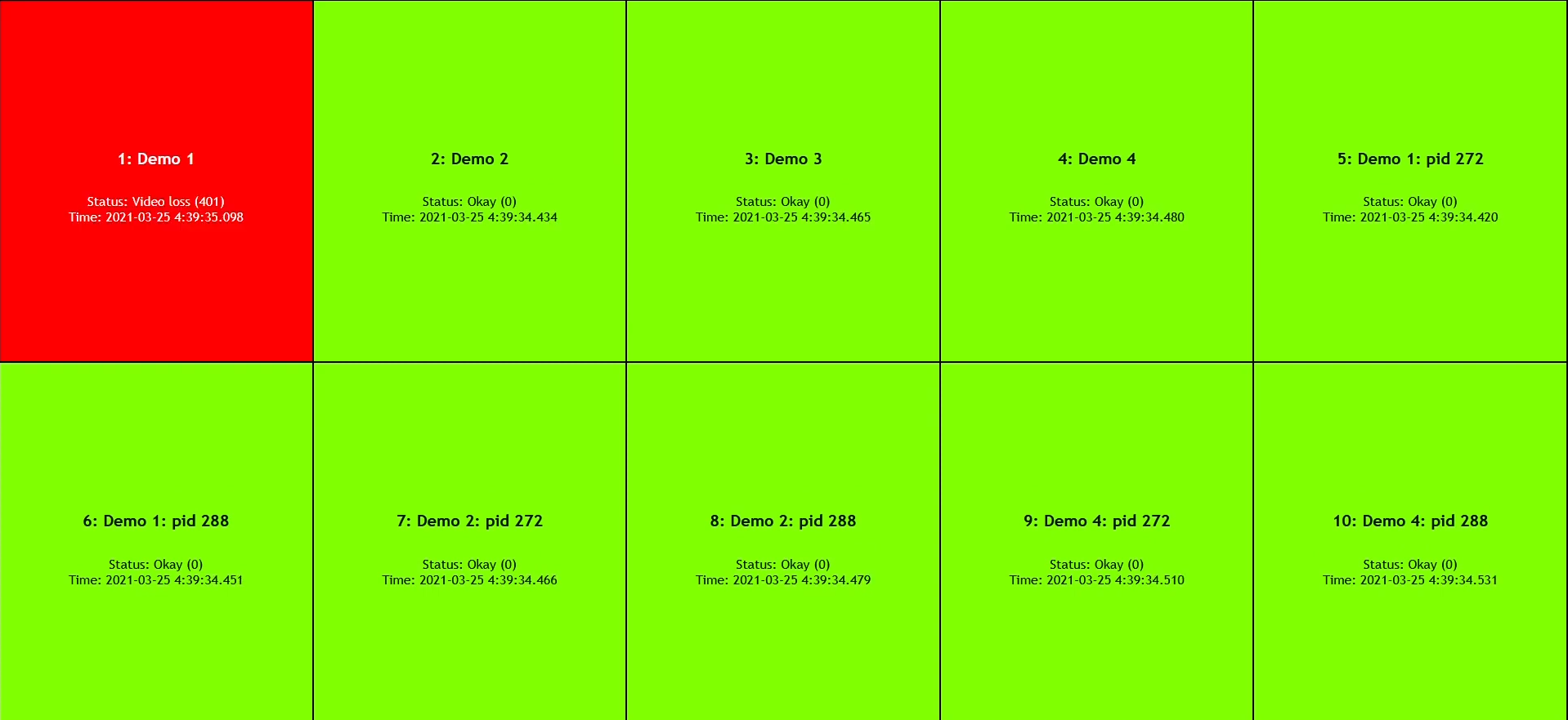
Green when healthy, red when a tile fails
The web dashboard gives you a clear operational status for all tiles. When a feed loses audio or video, the tile changes state and your team can drill in immediately.
This gives your team one visual overview for fast incident response.
- Remote web status dashboard
- Alarm emails for audio loss and video loss
- Per-stream detail for troubleshooting
- Useful for both remote and local monitoring
Layout switcher
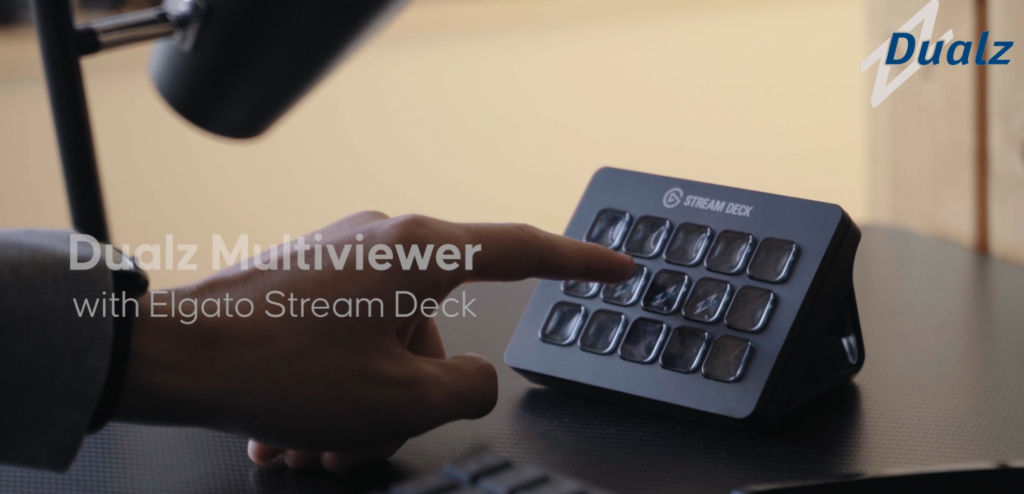
Switch layouts with a Stream Deck
Stream Deck control helps operators move fast between layouts and views.
One press switches the entire multiviewer layout without menu navigation.
- Map each button to a saved layout
- Switch from a grid to a single view instantly
- Useful for live events, NOC teams, and rapid troubleshooting
NDI multiviewer
Keep NDI sources in the same operational view
Add NDI sources beside your other IP and OTT streams, so operators can confirm live output and respond to loss events from one place.
Learn about NDI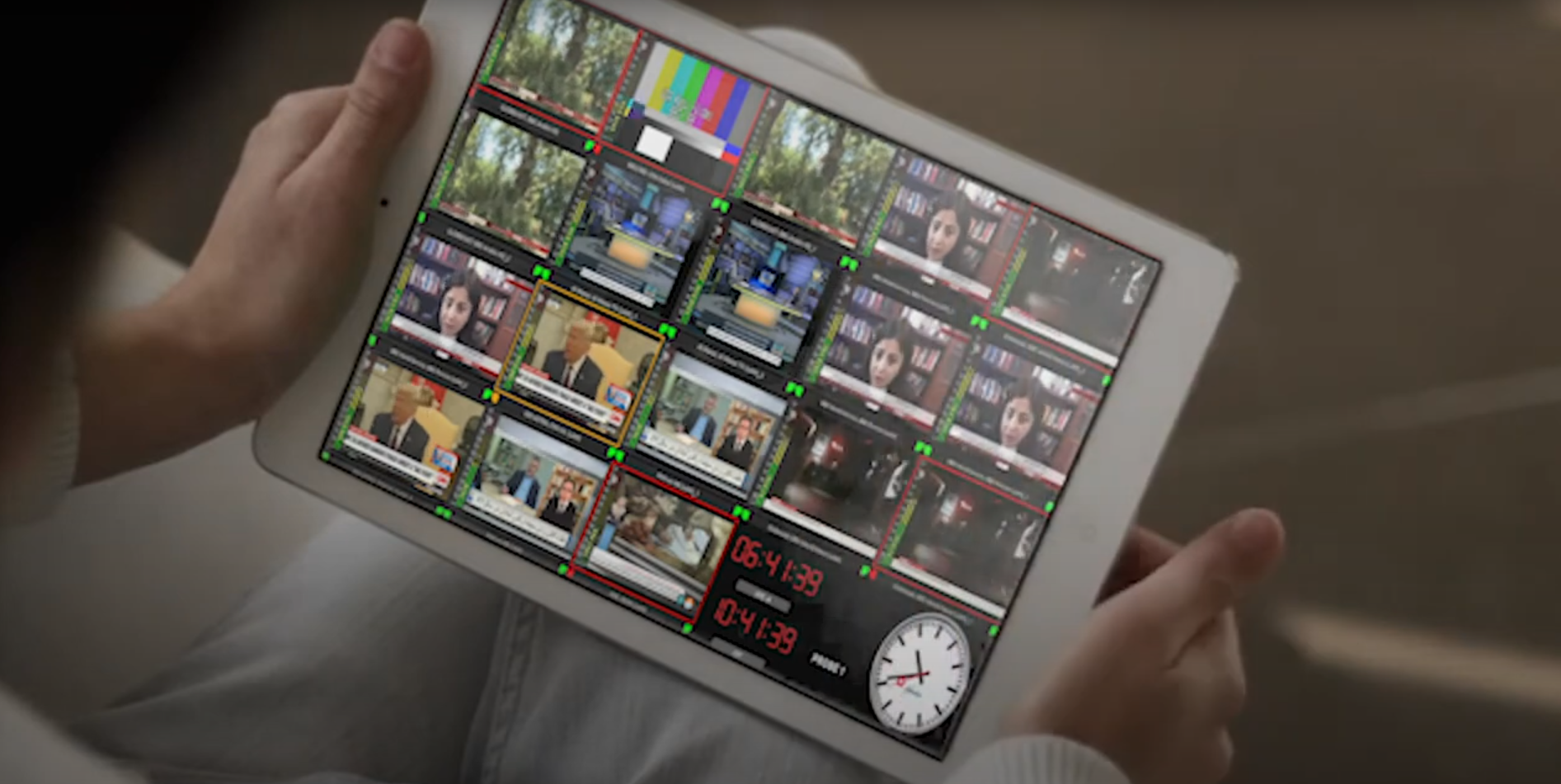
Features
Supported inputs
Operational controls
Status tools
Core multiviewer capabilities
A compact summary of capabilities for everyday monitoring operations.
UDP, RTP, RTMP, RTSP, NDI, SRT, HLS, DASH, HTTP, HDMI/SDI, and USB webcam inputs.
Round robin modes, penalty box, presets, double-click full screen, low latency, and multichannel audio.
Status webpage, alarm notification, VU meters, remote or local editor, and GPU decoding.
Deployment options
Choose how you want to run IP/OTT monitoring
Choose the deployment path that gives your team the right balance of control and support.
Software
Bring your own machine
Run the IP/OTT tier on Windows hardware you already control.
Cloud
Hosted multiviewer
Use a managed cloud approach when you want the multiviewer without hosting it yourself.
AWS
Run in your AWS account
Keep deployment in your own AWS environment when procurement or governance requires it.
Hardware guidance
GPU acceleration and practical hardware guidance
GPU acceleration keeps larger multiviewer layouts responsive by providing the decoding capacity needed for more simultaneous streams.
Review the hardware reference before sizing a larger deployment or selecting a GPU.
- GPU acceleration recommended
- Local or remote editor supported
- Fits remote monitoring and troubleshooting workflows
Protocol coverage
Every IP and OTT protocol you need
One tier covers the stream stack used by modern broadcast and OTT operations.
HLS
SRT
RTSP
RTMP
NDI
UDP
DASH
HTTP
Pricing
Choose the right IP/OTT plan
Compare stream bundles, select your billing period, and start monitoring when you are ready.
See plans